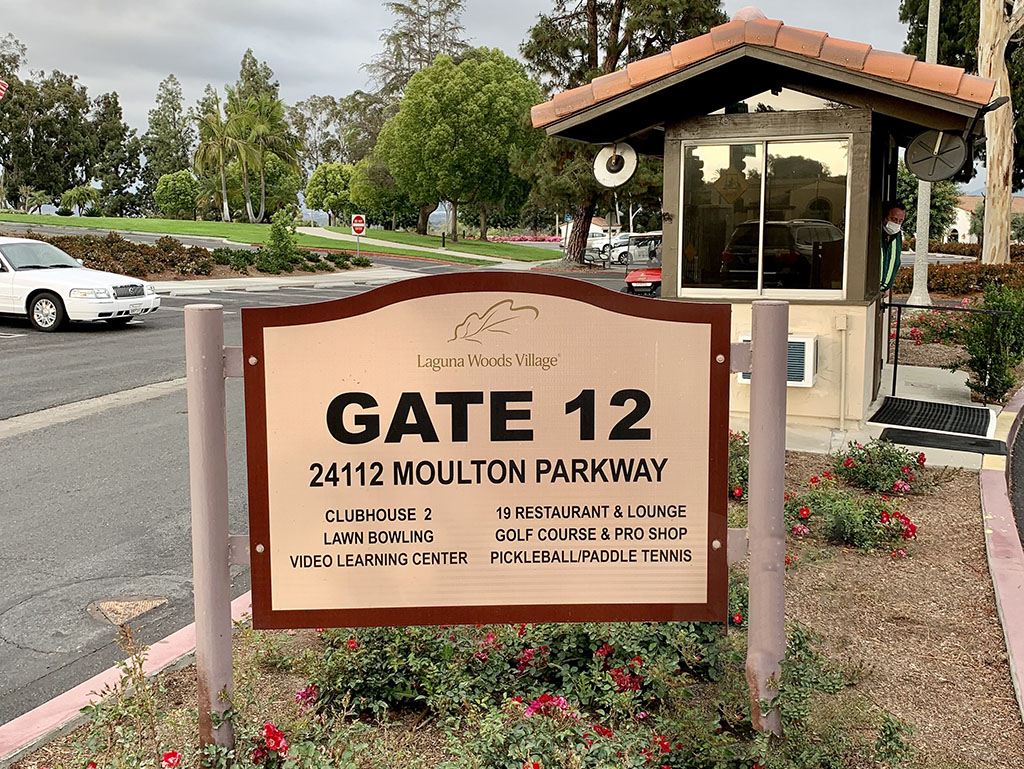
Gate 12 operates differently from other Village gates due to the absence of security arms. To help prevent unauthorized nonresident use of amenities, Security Services offers the following key points for residents to keep in mind when inviting guests to amenities at Gate 12.
使用“门禁”服务时,住户无需解释来访目的。只需申请 12 号门访客通行证,并在“门禁大使”询问时提供您的庄园编号、住户 ID 和访客姓名即可。
在创建通行证时 dwellingLIVE,在下拉菜单中点击 12 号门。如需注册或使用 residenceLIVE 的帮助,请点击 这里. Residents can generate a QR code in dwellingLIVE and send it to their guest’s mobile device. The guest shows the QR code to the Gate Ambassador, who scans it and prints a one-day permit for the guest to display on their vehicle dashboard.
Gate Ambassadors will always check IDs, including resident IDs, to ensure rules are followed for the 19 Restaurant & Lounge and to prevent unauthorized nonresidents from using golf, lawn bowling and pickleball facilities.
Remember, residents must stay with their guests at all times when using Village amenities.
The Maintenance and Construction Department provides chargeable services to residents at a lower cost than available from outside services. Some sample comparisons with Home Depot:
服务
VMS
家得宝
Bathroom grab bar installation
$55
$75-$150
Replace electrical outlet
$59-$80
$65-$125
Replace light fixture
$92
$75-$125
Water heater installation (Third, 38 gal., 10-year warranty)
$1,720
$1,600-$5,400
Find detailed information on benchmarking comparisons for this VMS department on pages 37 and 38 of the full VMS Benchmarking Report, available 在线的.
VMS is excited to announce the addition of a new accessibility feature on the LagunaWoodsVillage.com community website: the accessiBe widget. This innovative tool enhances website accessibility, providing a more inclusive and user-friendly experience for everyone, including individuals with disabilities.
How to Use the Widget
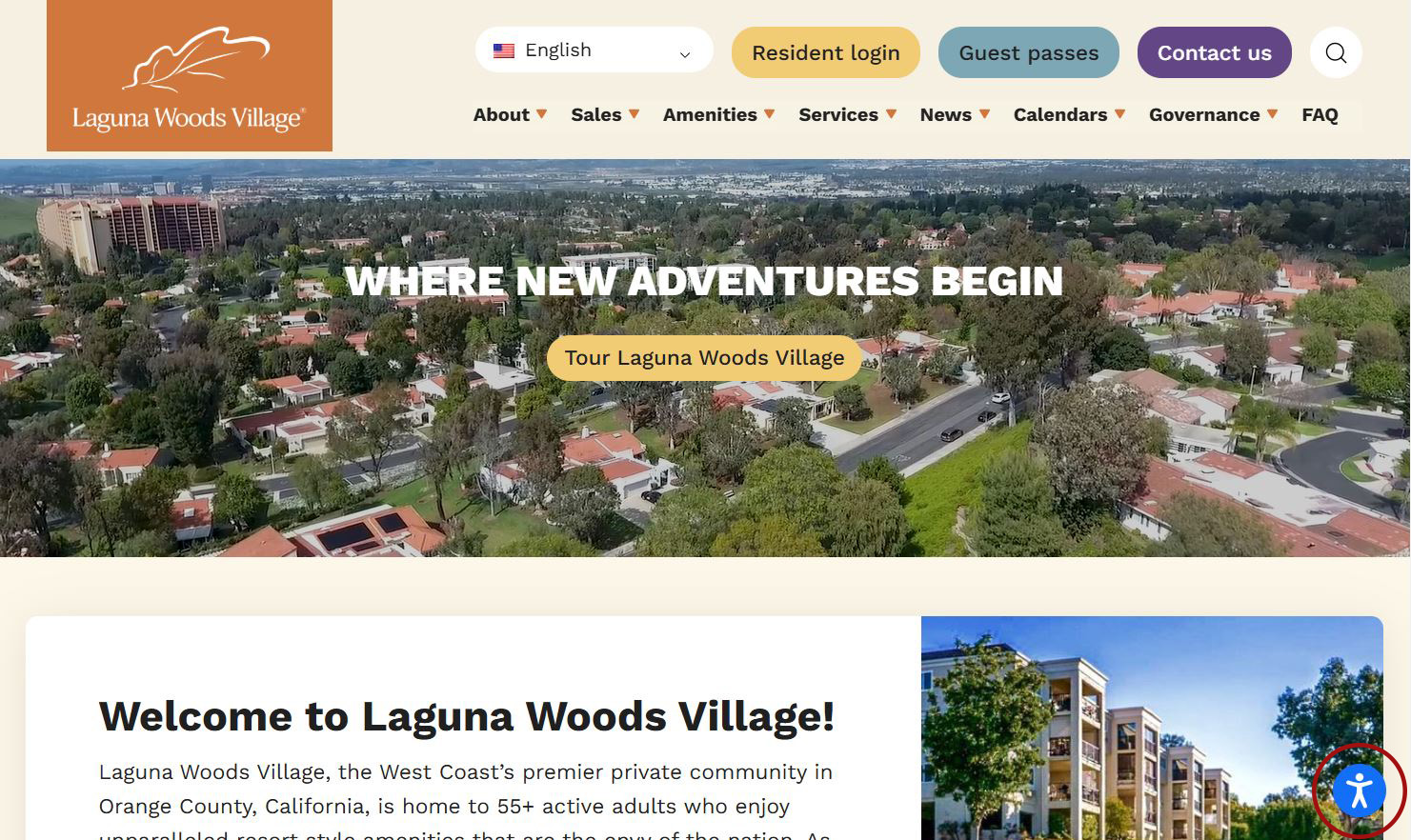
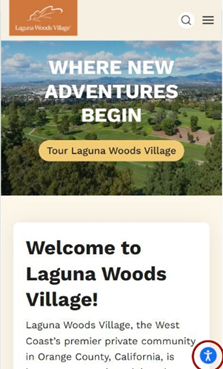
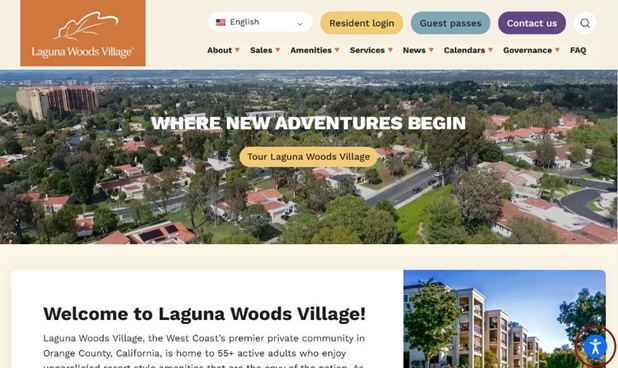
Locate the widget: Find the blue accessibility widget at the bottom right corner of your screen.
Mobile View
Desktop View
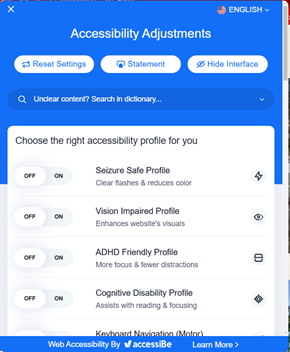
Activate the menu: Click the icon to open the accessibility menu and explore a variety of options designed to enhance your browsing experience. At the top, you can reset your settings, read the accessibility statement or hide the widget. Additionally, you can use the search bar to look up terms in the dictionary.
Customize your experience: Choose from a range of options, including accessibility profiles, content adjustments, color settings and orientation modifications.
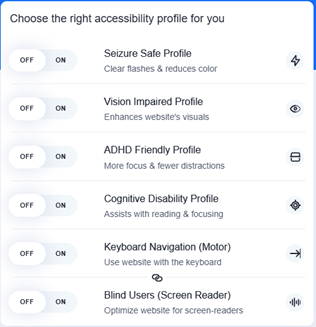
Accessibility profiles let you tailor your experience by choosing from the following options: seizure safe, vision impaired, ADHD friendly, cognitive disability, keyboard navigation and blind users. To enable or disable a profile, simply toggle the on/off switch.
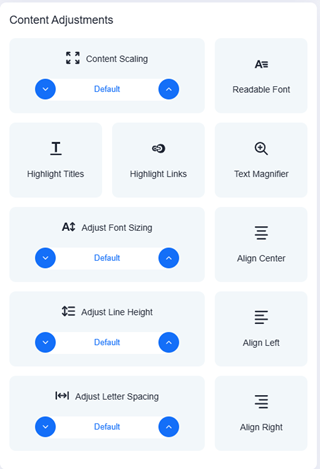
Content adjustments let you customize the overall content and font size, text alignment and line height. You can also highlight titles, emphasize links and magnify text. Simply click each button to enable these features or use the blue up and down buttons to adjust the size to your preference.
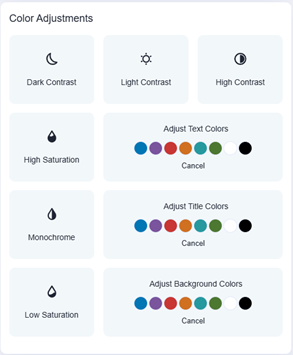
Color adjustments enable you to modify contrast, saturation and the colors of text, titles and backgrounds to suit your preferences.
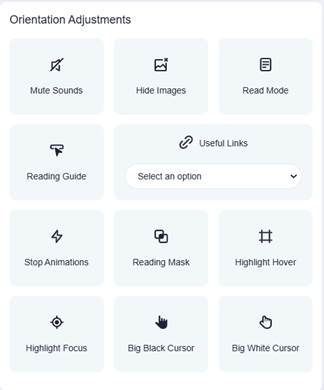
Last, orientation adjustments allow you to mute sounds, hide images, turn the page into reading mode and more.
Enjoy Enhanced Accessibility: Once you’ve made your selections, the changes will be applied instantly, providing a smoother and more comfortable browsing experience.