






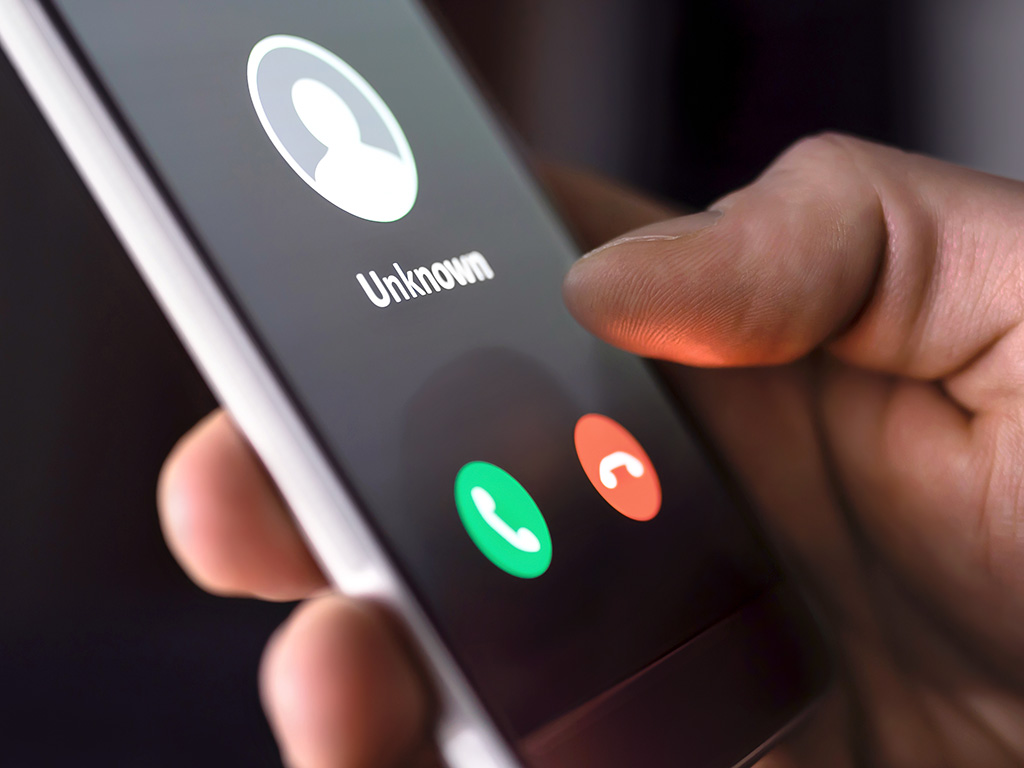
Scammers will try to take advantage of every situation—every scam, con and swindle is created in effort to steal your personal and financial information. Don’t let them. Be skeptical of every unsolicited phone call and email you receive, and take care when surfing the web.
Hang Up on Phone Fraud
- 不要接听陌生人或不期望接听的电话。如果接听后发现是自动拨号,请立即挂断。你无需多言,也无需做出任何解释。
- 切勿向未知来电者提供个人信息,也不要允许他们通过互联网访问您的计算机。请挂断电话,直接致电相关机构,确认来电是否属实。
- 如果有人打来电话,声称自己是政府机构的工作人员,无论情况听起来多么正式或严重,都请挂断。你挂电话的时间越长,就越有可能成为受害者。
- 不要仅仅因为对方知道你的部分个人信息就轻易相信他们。由于数据泄露事件频发,许多诈骗分子会向受害者提供他们的社保号 (SSN) 来建立信任。
- 联系据称给您打电话的机构。自行查找号码——不要相信来电显示或来电者可能给您的号码。
不要被电子邮件钓鱼骗局所迷惑
网络钓鱼是最常见的电子邮件诈骗之一。黑客使用“诱饵”(看似合法的文件或链接)对受害者进行网络钓鱼,以获取个人信息。电子邮件安全威胁形式多样。以下是如何识别虚假电子邮件。
- Don’t trust the display name. Often, a phishing email will come from an address that appears to be genuine. Hackers aim to trick recipients by including the name of a legitimate company within the structure of the email and web addresses. If you only glance at these details they can look legitimate. However, if you examine them, you may find that it’s a bogus variation intended to appear authentic—for example, customerservice@mail.macys.work rather than customerservice@macys.com.
- Look but don’t click. Hover your mouse over any links embedded in the body of the email. If the link address looks suspicious, don’t click on it.
- Check for spelling mistakes. Legitimate messages usually do not have major spelling mistakes or poor grammar. Read your emails carefully and report anything that seems suspicious.
- Analyze the salutation. Beware any email addressed to a vague “Valued Customer.” Legitimate businesses often use a personal salutation with your first and last name.
- Don’t provide personal information. Legitimate banks and most other companies will 绝不 通过电子邮件索取个人凭证。
- Beware of urgency and drama. Invoking a sense of urgency or fear is a common phishing tactic. Beware of subject lines that claim your “account has been suspended” or your account had an “unauthorized login attempt.”
- Review the signature. Lack of details about the signer or how you can contact a company strongly suggests a phish. Legitimate businesses always provide contact details.
- Don’t click on attachments. Hackers commonly include attachments that contain viruses and malware, which can damage files on your computer, steal your passwords or spy on you without your knowledge. Don’t open any email attachments you weren’t expecting.
- Don’t believe everything you see. Phishers are extremely good at what they do. Just because an email has convincing brand logos, language and a seemingly valid email address does not mean that it’s legitimate. If it looks even remotely suspicious, don’t open it.
- Don’t be fooled by scammers running fraudulent fundraisers. GoFundMe.com offers detailed advice about how to distinguish a genuine GoFundMe campaign from a fake one.
Stay Secure When Web Surfing
- Only visit secure websites with domain names you recognize. A secure website begins with https:// rather than http:// and has a padlock symbol in the top left corner. That “s” stands for secure and means that your data is encrypted as it passes from your internet browser to the website’s server. That “s” does not mean the site is legitimate, however, so make sure you recognize the organization and domain name. Bookmark trusted websites for future use.
- Choose strong passwords. Use uppercase letters mixed with lowercase letters, numbers and, if the system allows, special characters. Do not include any personal information in your password that hackers can guess from other personal information they obtain. Do not use the same password across multiple websites, because that increases the chance of having the password compromised. Do not use a single word spelled correctly in any language. This is the time to intentionally misspell a word or use numbers and symbols in the place of letters.
- Choosing a strong password is easier said than done, right? And how do you remember all those strong passwords? Invest in a good password manager (bit.ly/2yUlz0i) that has other security features.
- 在您的计算机上安装防病毒软件并保持其为最新版本。
- 投资身份盗窃保护(bit.ly/2Z1H75V).
- Monitor your credit for free (bit.ly/2Wsk3LO).
First-Line Defenses for Scams
- AARP Fraud Watch Network (aarp.org/money/scams-fraud): Call 877-908-3360 to talk to a trained volunteer on the Fraud Watch Helpline.
- California Attorney General’s Office (oag.ca.gov/consumers#topics): Learn about common scams and other consumer issues.
- FBI (ic3.gov/default.aspx): File a report with the Federal Bureau of Investigations Internet Crime Complaint Center.
- Federal Trade Commission (联邦贸易委员会): File a consumer complaint, report identity theft and register for the Do Not Call list. Report suspicious emails to the Federal Trade Commission at spam@uce.gov. If you believe you have been taken advantage of by a spam scam, file a complaint with the FTC online at ftc.gov/投诉.
欲了解更多村庄新闻,请点击下面的标签“村庄动态”。
