






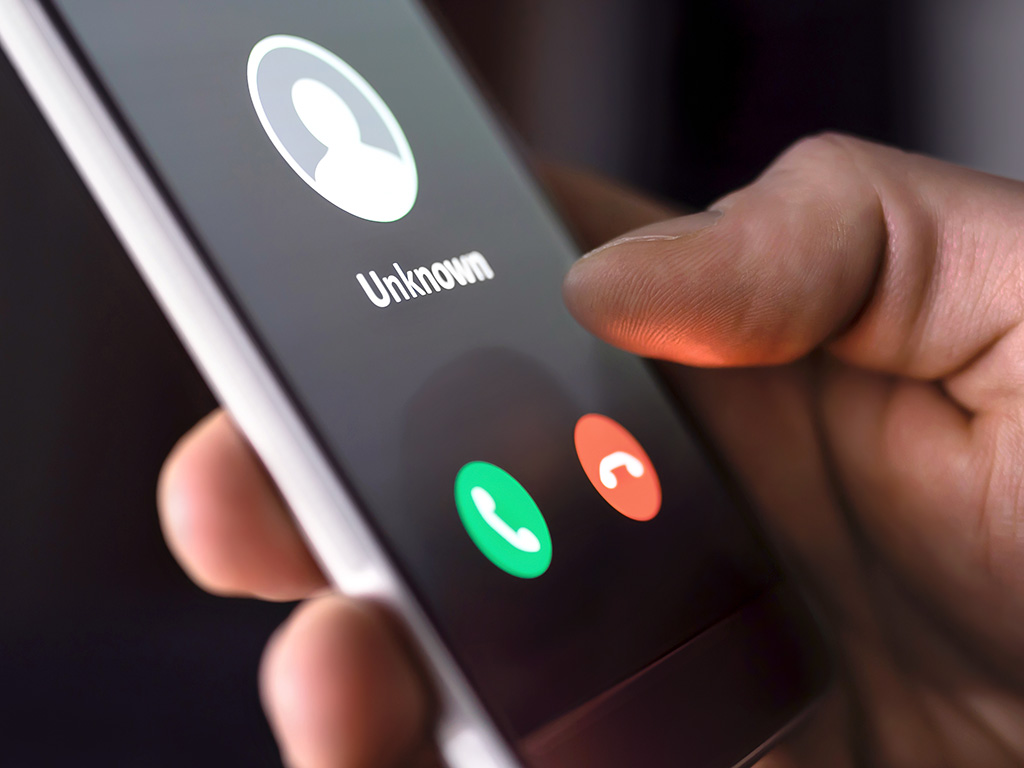
Scammers will try to take advantage of every situation—every scam, con and swindle is created in effort to steal your personal and financial information. Don’t let them. Be skeptical of every unsolicited phone call and email you receive, and take care when surfing the web.
Hang Up on Phone Fraud
- 知らない電話番号や、予期せぬ電話には出ないでください。もし出てロボコールだと分かったら、そのまま電話を切りましょう。何も言う必要はなく、説明する義務もありません。
- 知らない相手に個人情報を渡したり、インターネット経由でコンピュータにアクセスさせたりしないでください。電話を切って、組織に直接電話をかけ、電話が正当なものだったかどうかを確認してください。
- 政府機関を名乗る電話がかかってきたら、どんなに公式で深刻な状況に聞こえても、すぐに電話を切りましょう。電話を長く切れば切るほど、被害に遭う可能性が高くなります。
- 個人情報の一部を知っているからといって、電話をかけてきた相手を信じてはいけません。データ漏洩が多発しているため、多くの詐欺師は被害者に社会保障番号を提供し、信頼を得ようとしています。
- 電話をかけてきたとされる機関に連絡してください。発信者番号や相手が伝えた電話番号を信用せず、ご自身で番号を調べてください。
メールフィッシング詐欺に騙されないために
フィッシングは、最も一般的なメール詐欺の一つです。ハッカーは「おとり」、つまり一見正当なファイルやリンクを使って被害者を「フィッシング」し、個人情報を盗み出します。メールセキュリティの脅威は様々な形で存在します。偽メールを見分ける方法をご紹介します。
- Don’t trust the display name. Often, a phishing email will come from an address that appears to be genuine. Hackers aim to trick recipients by including the name of a legitimate company within the structure of the email and web addresses. If you only glance at these details they can look legitimate. However, if you examine them, you may find that it’s a bogus variation intended to appear authentic—for example, customerservice@mail.macys.work rather than customerservice@macys.com.
- Look but don’t click. Hover your mouse over any links embedded in the body of the email. If the link address looks suspicious, don’t click on it.
- Check for spelling mistakes. Legitimate messages usually do not have major spelling mistakes or poor grammar. Read your emails carefully and report anything that seems suspicious.
- Analyze the salutation. Beware any email addressed to a vague “Valued Customer.” Legitimate businesses often use a personal salutation with your first and last name.
- Don’t provide personal information. Legitimate banks and most other companies will 一度もない 電子メールで個人の認証情報を要求します。
- Beware of urgency and drama. Invoking a sense of urgency or fear is a common phishing tactic. Beware of subject lines that claim your “account has been suspended” or your account had an “unauthorized login attempt.”
- Review the signature. Lack of details about the signer or how you can contact a company strongly suggests a phish. Legitimate businesses always provide contact details.
- Don’t click on attachments. Hackers commonly include attachments that contain viruses and malware, which can damage files on your computer, steal your passwords or spy on you without your knowledge. Don’t open any email attachments you weren’t expecting.
- Don’t believe everything you see. Phishers are extremely good at what they do. Just because an email has convincing brand logos, language and a seemingly valid email address does not mean that it’s legitimate. If it looks even remotely suspicious, don’t open it.
- Don’t be fooled by scammers running fraudulent fundraisers. GoFundMe.com offers detailed advice about how to distinguish a genuine GoFundMe campaign from a fake one.
Stay Secure When Web Surfing
- Only visit secure websites with domain names you recognize. A secure website begins with https:// rather than http:// and has a padlock symbol in the top left corner. That “s” stands for secure and means that your data is encrypted as it passes from your internet browser to the website’s server. That “s” does not mean the site is legitimate, however, so make sure you recognize the organization and domain name. Bookmark trusted websites for future use.
- Choose strong passwords. Use uppercase letters mixed with lowercase letters, numbers and, if the system allows, special characters. Do not include any personal information in your password that hackers can guess from other personal information they obtain. Do not use the same password across multiple websites, because that increases the chance of having the password compromised. Do not use a single word spelled correctly in any language. This is the time to intentionally misspell a word or use numbers and symbols in the place of letters.
- Choosing a strong password is easier said than done, right? And how do you remember all those strong passwords? Invest in a good password manager (bit.ly/2yUlz0i) that has other security features.
- コンピュータにウイルス対策ソフトウェアをインストールし、最新の状態に保ってください。
- 個人情報盗難対策に投資する(bit.ly/2Z1H75V).
- Monitor your credit for free (bit.ly/2Wsk3LO).
First-Line Defenses for Scams
- AARP Fraud Watch Network (aarp.org/money/scams-fraud): Call 877-908-3360 to talk to a trained volunteer on the Fraud Watch Helpline.
- California Attorney General’s Office (oag.ca.gov/consumers#topics): Learn about common scams and other consumer issues.
- FBI (ic3.gov/default.aspx): File a report with the Federal Bureau of Investigations Internet Crime Complaint Center.
- Federal Trade Commission (ftc.gov): File a consumer complaint, report identity theft and register for the Do Not Call list. Report suspicious emails to the Federal Trade Commission at spam@uce.gov. If you believe you have been taken advantage of by a spam scam, file a complaint with the FTC online at ftc.gov/苦情.
村のニュースをもっと知りたい場合は、下の「村の最新情報」タグをクリックしてください。
